

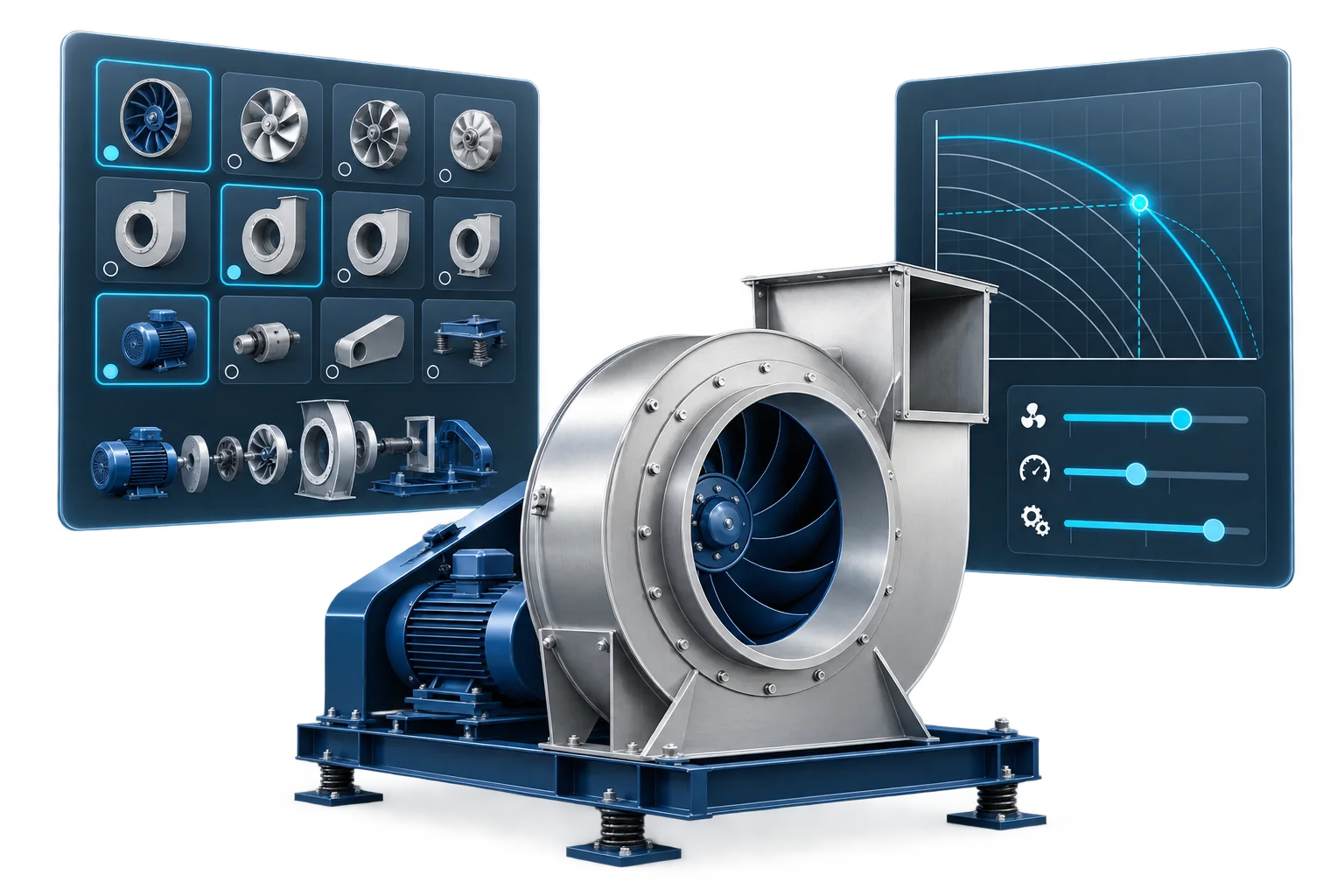
A customer needs a ventilation unit for a specific airflow, pressure and noise limit. Another already knows the product family and wants to choose its size, motor, finish and accessories.
These customers need different starting points.
The first needs to determine which equipment can meet an engineering requirement. The second needs to build a valid product configuration.
For HVAC manufacturers, this distinction affects much more than the website interface. It determines the calculations, product data, compatibility rules and documentation the software must support.
An HVAC product configurator helps users assemble a permitted combination of components and options. HVAC selection software evaluates which products can meet specified operating requirements.
Many manufacturers need both capabilities within one connected workflow.
What is an HVAC product configurator?
An HVAC product configurator guides users through available product choices while checking the rules that govern those choices.
Depending on the product range, users might specify:
- Product family and size.
- Housing material and finish.
- Motor type and electrical supply.
- Connection dimensions and orientation.
- Control options.
- Installation accessories.
- Market-specific variants.
A useful configurator does more than display dropdown lists. It understands dependencies between choices.
For example, selecting a particular housing size might restrict the available motors. An outdoor execution might require additional protective components. An accessory might be available only for certain connection sizes.
Configuration engines use rules and constraints to represent these permitted combinations (source: Configit — Product Configuration Explained).
The output may include a product code, configuration summary, drawing, component list or quotation request.
The central question is: “Can this product be supplied in this combination?”
However, a valid configuration does not necessarily prove that the product will deliver the performance required by a particular project.
What is HVAC selection software?
HVAC selection software starts from the application requirements and evaluates suitable equipment.
For a fan, the inputs might include airflow, pressure, air temperature, altitude, electrical supply, installation constraints and an acoustic limit.
For a heating or cooling coil, the inputs could include air and fluid conditions, flow rates, required capacity and allowable pressure drops.
The software then evaluates products using the appropriate performance data and calculation methods.
For example, a fan selector may need to:
- Determine the required rotational speed.
- Evaluate pressure and airflow at the duty point.
- Calculate or retrieve power and efficiency.
- Check the permitted operating range.
- Evaluate acoustic performance.
- Compare alternative products.
The output is an engineering selection tied to specific conditions.
The central question is: “Which product can meet this application’s requirements, and how will it perform?”
CloudAir’s fan selection software illustrates this approach through parametric selection, performance curves, operating-point evaluation and generated technical documentation.
Product configurator vs selection software: the main differences
The terminology is not standardized across the industry. A product called a “configurator” may include advanced engineering calculations, while a “selector” may also configure accessories and generate quotations.
Evaluate the actual capabilities rather than the product name.
| Area | Product configuration | Engineering selection |
|---|---|---|
| Starting point | Product family and desired options | Required duty and application conditions |
| Main purpose | Build a permitted product variant | Identify suitable equipment |
| Core logic | Compatibility rules and dependencies | Performance calculations and operating limits |
| Main data | Components, variants, dimensions and option rules | Curves, ratings, coefficients and calculation models |
| Typical result | Configuration code and selected options | Selected model with calculated performance |
| Main validation | Are the choices compatible? | Can the equipment meet the requirements? |
| Typical document | Configuration summary | Performance datasheet |
| Possible extension | Pricing, quoting and manufacturing output | Comparisons, energy analysis and project documentation |
The two functions overlap when a configuration choice changes performance.
That overlap is especially relevant for HVAC products.
Why a product filter is not always a selection engine
A searchable catalogue can filter products by maximum airflow, maximum pressure, dimensions and motor power.
That is useful for narrowing a range, but independent catalogue limits do not necessarily establish suitability at a combined duty point.
Consider a fan listed with:
- Maximum airflow: 15,000 m³/h.
- Maximum pressure: 900 Pa.
Those values may occur at different points on its performance curve. They do not establish that the fan can deliver 15,000 m³/h at 900 Pa.
A selection engine must evaluate the relationship between the relevant variables.
When specifying software, distinguish between:
- Catalogue filtering: finding products with matching attributes.
- Configuration validation: checking permitted options.
- Performance selection: evaluating equipment at the required conditions.
Each is valuable, but they answer different questions.
Example: selecting and configuring an industrial fan
Consider an illustrative project requiring:
| Requirement | Project value |
|---|---|
| Airflow | 12,000 m³/h |
| Required fan total pressure rise | 700 Pa |
| Air temperature | 40°C |
| Installation altitude | 800 m |
| Electrical supply | 400 V, three-phase |
| Installation | Outdoors |
The workflow begins with engineering selection.
The software evaluates candidate fan curves at the specified air conditions, checks the required speed and power, and identifies products within their permitted operating ranges.
The user can then compare suitable models.
After choosing a model, configuration begins:
- Select the available housing execution.
- Choose the discharge orientation.
- Confirm the motor and control arrangement.
- Add mounting components.
- Select compatible flexible connectors.
- Specify the required finish.
The workflow must also allow information to move back from configuration to selection.
Suppose the user adds a silencer. If its pressure loss falls within the resistance the fan must overcome, the required fan duty changes.
The software should make that effect explicit and recalculate where appropriate. If the original 700 Pa already included the silencer, it should avoid counting the loss twice.
This is why integrated software needs clear definitions of system boundaries as well as compatibility rules.
When a product configurator may be enough
A configurator can be the right starting point when customers already know the required product and primarily need help choosing compatible variants.
Consider starting with configuration if:
- The product range consists mainly of predefined combinations.
- Performance selection is handled elsewhere.
- Most enquiries concern dimensions, materials or accessories.
- Sales staff repeatedly check option compatibility.
- Incorrect ordering codes are a recurring problem.
- The immediate goal is a reliable configuration summary or quotation request.
For example, a customer may already have an approved equipment schedule and need to specify connection orientation, finish and mounting accessories.
In that situation, a full engineering selection workflow may add little value to that particular task.
The configurator should still explain which checks it performs and which remain outside its scope.
When engineering selection software is essential
Selection software becomes central when suitability depends on operating conditions.
Ask whether changes in any of the following can alter the correct product choice:
- Flow rate.
- Pressure requirement.
- Air or fluid temperature.
- Density or altitude.
- Humidity.
- Rotational speed.
- Thermal load.
- Acoustic constraints.
If these conditions materially affect the result, a list of compatible options is unlikely to be sufficient on its own.
A useful requirements exercise is to collect ten recent technical enquiries and document how your engineers answered them.
What inputs did they request? Which calculations did they perform? Which candidates did they reject, and why?
Those steps provide a practical foundation for the selection logic.
When you need both
A combined platform is appropriate when users must find suitable equipment and then define a complete, orderable variant.
An illustrative air handling unit workflow shows why:
| User decision | Configuration task | Engineering task |
|---|---|---|
| Choose a casing size | Validate available dimensions and sections | Evaluate velocities and component fit |
| Select filtration | Check compatible filter arrangements | Include the specified filter resistance |
| Add heat recovery | Validate available component combinations | Evaluate performance at the design conditions |
| Select a coil | Confirm construction and connection options | Calculate capacity and pressure drops |
| Choose the fan section | Validate the available assemblies | Select fans for the resulting duty |
| Add attenuation | Check dimensions and positioning | Evaluate acoustic performance and resistance |
The exact calculations depend on the product and implementation.
The important design principle is that a change to the configured product should trigger the engineering checks it affects.
Users should not have to export one result, modify it in a spreadsheet and re-enter it into another tool to discover whether the final assembly still meets the requirements.
Where CPQ fits
CPQ stands for Configure, Price, Quote.
It adds commercial functions around a product configuration, such as pricing rules, discounts and quotation generation. Salesforce describes configuration, pricing and quotation as connected stages within this process (source: Salesforce — Introduction to Product Configurator).
For an HVAC manufacturer, distinguish these capabilities:
| Capability | Question it answers |
|---|---|
| Engineering selection | Will the equipment meet the duty? |
| Product configuration | Is this combination permitted? |
| Pricing | What is the applicable selling price? |
| Quotation | How is the proposed solution presented commercially? |
A quotation can be commercially correct while its technical assumptions remain incomplete.
When evaluating CPQ software, check whether engineering calculations are included, integrated from another service or still performed manually.
What product data do you need?
The interface is only one part of the project. The underlying information determines what the software can reliably do.
| Data category | Typical contents | Main purpose |
|---|---|---|
| Product structure | Families, models, sizes and variants | Organize the range |
| Configuration rules | Compatible options, exclusions and dependencies | Validate combinations |
| Performance data | Curves, test results and operating limits | Evaluate suitability |
| Physical data | Dimensions, weight and connection details | Check installation requirements |
| Commercial data | Prices, currencies and customer conditions | Support quotations |
| Documentation | Drawings, manuals and certificates | Generate complete outputs |
For each category, define who owns it, where it is maintained and how changes are approved.
For example, an ERP system might own product identifiers and prices, while an engineering database owns performance curves. A PIM may distribute descriptions and documentation.
The goal is not necessarily to place everything in one database. It is to prevent conflicting versions of the same information from circulating through the workflow.
What should you ask a software supplier?
A demonstration using your own products will reveal more than a generic feature checklist.
Ask the supplier to show how the proposed system handles these situations:
| Test scenario | What it reveals |
|---|---|
| A customer enters a duty no product can meet | Handling of unavailable solutions and explanations |
| An option conflicts with an earlier choice | Configuration rules and user guidance |
| An accessory changes pressure loss | Connection between configuration and calculation |
| A product curve is updated | Data publishing and version control |
| A user reopens an older project | Reproducibility and change handling |
| A quotation needs a customer-specific price | Commercial integration |
| A project changes units or language | Consistency across calculations and documents |
| A new product family is introduced | Maintainability and expansion effort |
Also establish how technical results will be validated.
Use agreed reference cases covering normal operation, boundaries and invalid inputs. An attractive interface should make correct results easier to understand, and the acceptance process should verify those results explicitly.
How to start without making the project unnecessarily large
A practical first release can cover one representative product family and a complete customer task.
For example:
- Enter the required duty.
- Identify suitable products.
- Compare candidates.
- Configure the selected model.
- Generate a technical datasheet.
- Submit an enquiry containing the full selection.
This provides a usable process while exposing the important connections between data, calculations and configuration rules.
Further releases can add product families, distributor pricing, quotation workflows, integrations and additional documentation.
Define measurable goals before development begins. Useful measures include time spent preparing a selection, the number of manual checks, incorrect configurations and the completeness of incoming enquiries.
Frequently asked questions
What is the difference between an HVAC configurator and selection software?
A configurator validates combinations of product options. Selection software evaluates equipment against application requirements. A single platform can perform both functions.
Can a product configurator perform engineering calculations?
Yes. The name does not limit its capabilities. Check whether the implementation includes the calculations and validation required for your products.
Is a searchable online catalogue enough?
It can be sufficient for finding known products and comparing attributes. When suitability depends on a performance curve or a calculation at specified conditions, additional selection logic is needed.
Do I need CPQ as well?
CPQ is useful when the workflow includes pricing and quotations. It is not necessarily required for an initial technical selector, and engineering capabilities should be evaluated separately.
Can the software connect to an existing PIM or ERP?
Integration is possible when the systems provide suitable interfaces or data exchange methods. The project must define identifiers, data ownership, update timing and error handling.
Which capability should we implement first?
Start with the task causing the most repeated work or customer difficulty. If the problem is finding suitable equipment, prioritize selection. If it is incompatible options and incorrect codes, prioritize configuration. If the two tasks are closely linked, implement a focused combined workflow.
Build around the customer’s decision
The most useful starting point is a real enquiry: the information the customer provides, the decisions your team makes and the documents required to move forward.
From that process, identify the calculations that establish suitability, the rules that define a valid product and the commercial steps needed to prepare an offer.
CloudAir develops dedicated HVAC selection software for manufacturers. To discuss a project, bring a representative product family, sample performance data and a typical customer enquiry. These provide the basis for defining the right combination of selection, configuration and documentation.