
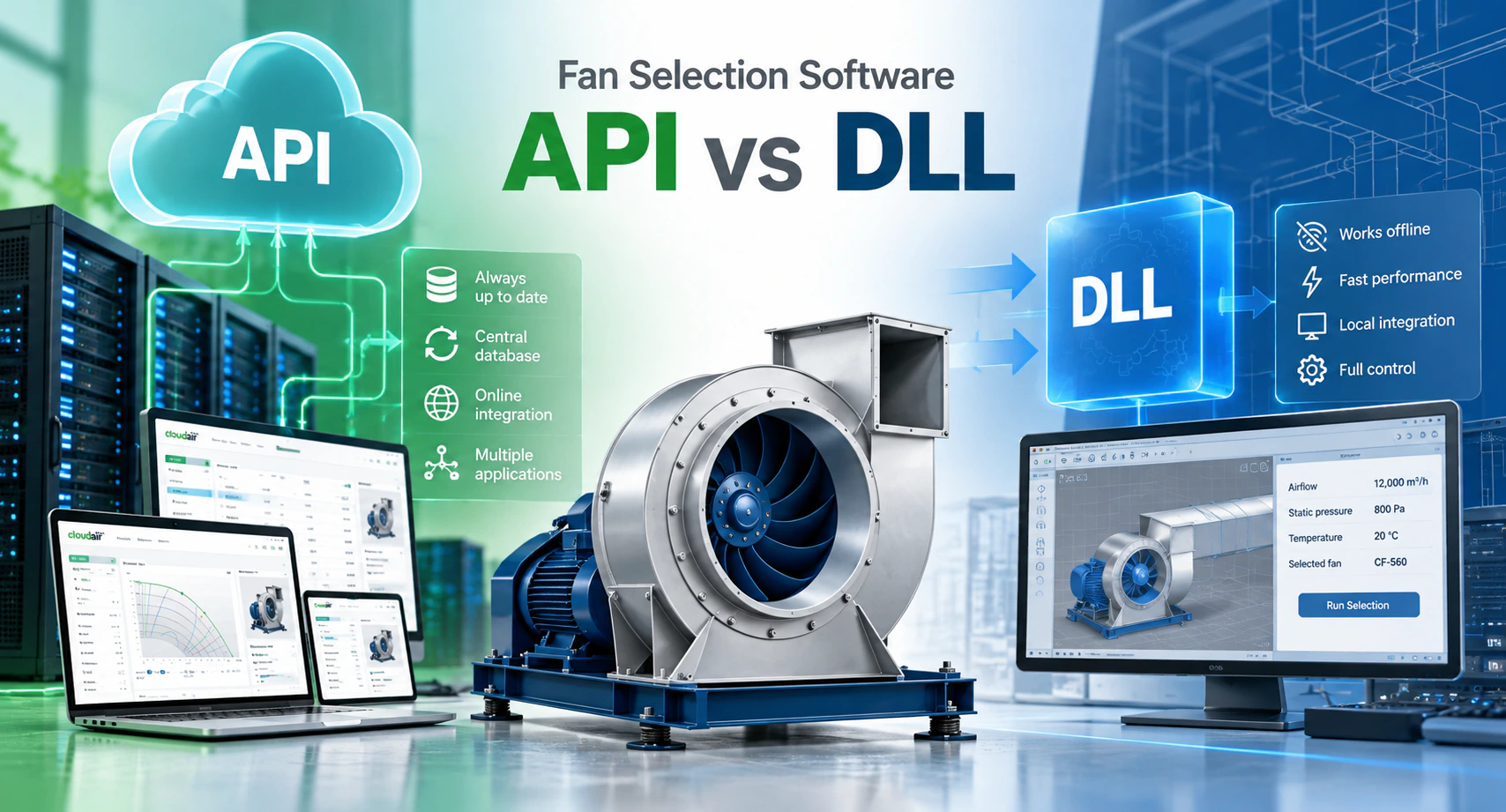
When fan selection software has to work inside another engineering or product configuration system, there are two common ways to connect it: API integration and DLL integration.
Both can give access to the same fan selection engine, but they work in very different ways. The best choice depends on the IT environment, internet access, update strategy and how deep the integration needs to be.
The short answer: with an API, the calculation engine runs on a server; with a DLL, it runs locally, inside or next to the host application. That one difference decides maintenance, updates, security and architecture.
What is an API?
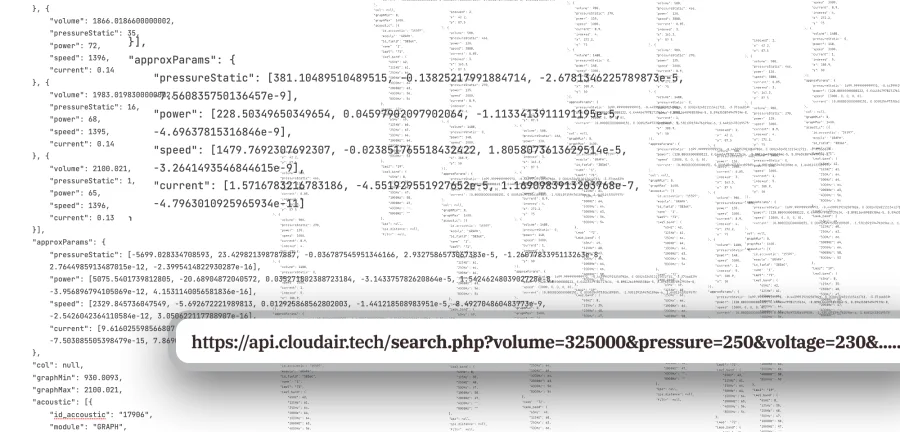
An API lets another application talk to the fan selection engine over a network. An AHU selection program, for example, can send:
- airflow,
- pressure,
- temperature and air density,
- fan type,
- efficiency requirements.
The API processes the request and returns the suitable fans with their technical data:
- the operating point,
- efficiency, power and speed,
- sound data,
- FEI and ErP compliance,
- dimensions,
- product identification.
Communication is usually in JSON or XML over HTTPS.
What is a DLL?
A DLL (Dynamic Link Library) packages the fan selection engine as a software library that runs locally, inside another application.
Instead of sending a request to a remote server, the host software calls functions of the DLL installed on the same computer or company server, passes the operating parameters and receives the selection result directly. No internet connection is involved.
Advantages of API integration
An API is often the best solution when the selection engine has to stay continuously up to date. Because the engine and the product database are hosted centrally, every connected application uses the latest version.
This matters especially when:
- product data changes frequently,
- new fan series are added,
- calculation methods are updated,
- FEI or ErP rules change,
- corrections must be deployed quickly,
- several external systems use the same engine.
There is no new library to distribute after each change. The update is made once on the server and is immediately available to every connected system.
One central database
With an API, all external applications work with the same central product database, which removes the risk of departments or customers using outdated product data. The manufacturer's online selection software, an AHU selection program, the internal sales system, a BIM integration and a mobile app can all call the same API, so there is one source of technical product data.
Disadvantages of API integration
The main drawback is that an API normally needs an internet or network connection. If the server cannot be reached, the external system cannot perform a selection. For customers working with offline desktop engineering software, that can be decisive.
An API also requires server infrastructure and ongoing maintenance on the provider's side.
Advantages of DLL integration
The main advantage of a DLL is that it works completely offline. Once installed, the engine runs without any external server. This is particularly useful for:
- desktop engineering applications,
- offline environments,
- internal company systems,
- installations with strict network restrictions,
- software that must keep working without internet access.
Communication is also very fast, because every calculation happens locally.
Disadvantages of DLL integration
The biggest drawback is updates. When the selection engine changes, a new DLL version has to be distributed and installed, for example when:
- fan data changes,
- new product series are added,
- algorithms are improved,
- calculation rules or standards change,
- bugs are corrected.
With many installations, version management gets complicated: one customer may still run an older library while another already has the latest one.
API vs DLL comparison
| Feature | API | DLL |
|---|---|---|
| Internet connection | Usually required | Not required |
| Where the engine runs | On a server | Locally |
| Central updates | Yes | No, each installation |
| Access to the latest data | Automatic | Depends on the installed version |
| Offline operation | Limited | Yes |
| Version control | Easy | More difficult |
| Product database | Central | Usually local, per release |
| Server required | Yes | No |
| Desktop software integration | Yes | Very good |
| Web application integration | Very good | Limited |
Which is better for AHU selection software?
Both can work very well. If the AHU selection program is connected to the internet and the fan data should always be current, an API is usually the better solution. If the AHU software must work offline, a DLL may be the better choice.
That is why some manufacturers implement both, with the same calculation logic available as an API for online systems and a DLL for offline desktop applications.
Can API and DLL be developed together?
Yes, and in many projects it is the best architecture. The same core selection algorithms serve both integrations: the API gives centralized, always-current access, and the DLL gives local, offline access. The manufacturer can then connect its selection engine to very different kinds of software without maintaining two calculation methods.
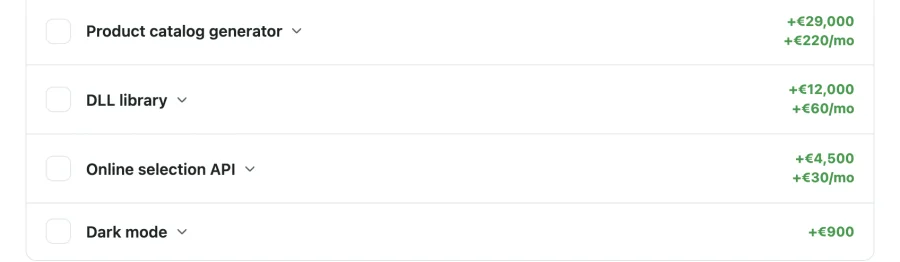
The calculation method stays consistent even though the integration method differs. On our platform, the fan selection software, the online selection API and the DLL library are all built on the same engine and fed by the same product database.
Data updates are an important consideration
Product data changes over time. Manufacturers introduce new fan sizes, new motors, new performance curves, revised sound data, new accessories and updated efficiency data.
With an API, these changes are available as soon as the central database is updated. With a DLL, users may need to install a new version first. This is one of the most important factors in the choice.
Security
Both approaches can be implemented securely. An API can use:
- API keys and authentication tokens,
- encrypted HTTPS communication,
- access restrictions,
- request logging.
A DLL protects the calculation logic by compiling it into a binary library instead of handing over source code. The right method depends on how the manufacturer wants to distribute and protect its selection technology.
Performance
For normal fan selection, both are fast. A DLL avoids network latency because everything runs locally; an API adds a network request, but for a typical engineering selection the delay is very small.
Architecture matters more when thousands of calculations run automatically, for example when the selection engine is part of a larger optimization process.
Maintenance
This is where the API has a major advantage. With an API, one update updates every connected application. With a DLL, every installation may need to be updated separately. Over the life of a product range, that difference adds up.
When should you choose an API or a DLL?
Choose an API when:
- the application is online,
- product data changes frequently,
- automatic updates are important,
- several systems use the same fan database,
- the manufacturer wants centralized control,
- the latest calculation engine must always be used.
Choose a DLL when:
- the software must work offline,
- no dependency on an external server is allowed,
- the host is a Windows desktop application,
- very tight local integration is required,
- internet access cannot be guaranteed.
API and DLL are not competitors
API and DLL are not competing technologies; they solve slightly different problems. For many manufacturers the best solution uses both: the API as the primary, continuously updated selection service, and the DLL as the offline alternative for desktop and specialist engineering applications.
Conclusion
There is no universal answer to whether API or DLL integration is better for fan selection software. It depends mainly on how the external application will be used.
Choose an API when centralized updates, shared product data and online integration are the priority. Choose a DLL when offline operation and local integration matter more.
For complex projects, both can be developed in parallel on the same selection logic, combining a centrally maintained online system with the flexibility of offline integration. To understand what the engine behind both does, read what fan selection software is, and for budgeting, how much fan selection software costs.
Frequently asked questions
What is the difference between a fan selection API and a DLL?
An API runs the selection engine on a server and is called over the network, usually with JSON or XML over HTTPS. A DLL is a library with the engine that runs locally inside the host application, without a network connection.
Does a fan selection DLL work offline?
Yes. Once installed, the DLL performs selections without any external server, using the product data included in its release.
How are DLL product data updates delivered?
With a new DLL version, which has to be installed wherever the library runs. With an API, the same changes become available to all connected systems as soon as the central database is updated.
Can one manufacturer offer both an API and a DLL?
Yes. Both can be built on the same selection engine, so online systems use the API, offline desktop software uses the DLL, and the calculation method stays the same.